What WhatsApp advertising means today
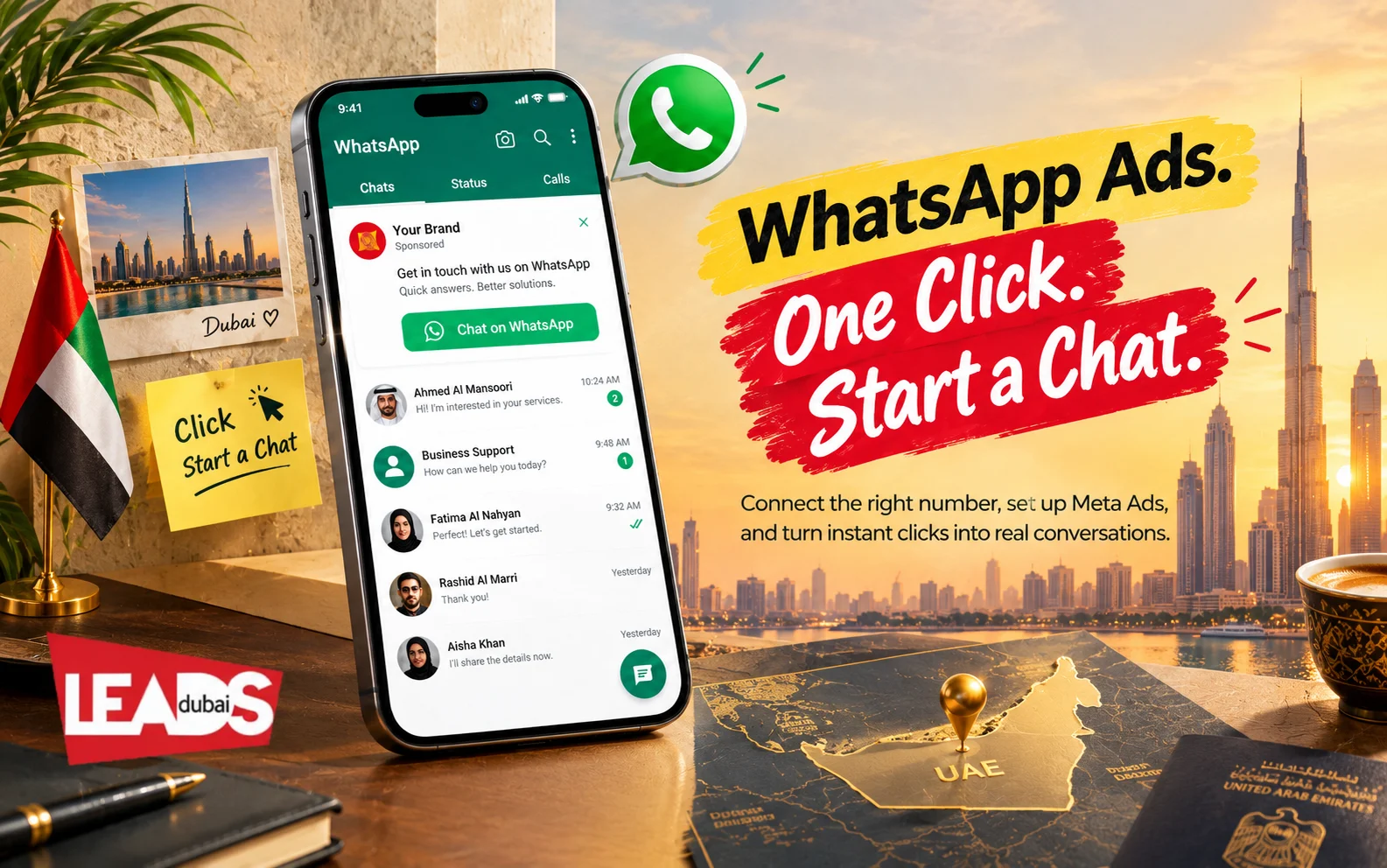
Short answer: click-to-WhatsApp ads appear on Facebook or Instagram and open a chat with your business. They are available through Meta Ads Manager and are the practical starting point for UAE advertisers. Ads in WhatsApp Status and promoted Channels are separate products being introduced gradually, so check account availability before planning them.
Meta announced three commercial features for WhatsApp’s Updates tab in June 2025: paid Channel subscriptions, promoted Channels and ads in Status. They sit away from personal chats. Meta is introducing them gradually, so their appearance in announcements does not prove that every UAE advertiser can buy them today.
Three WhatsApp advertising products to separate
- Click-to-WhatsApp ads: ads placed on Facebook or Instagram that open a WhatsApp business chat. This is the established option for UAE lead campaigns.
- Ads in Status: an Updates-tab placement that Meta is introducing by market. Confirm account access before quoting it.
- Promoted Channels: paid discovery for eligible WhatsApp Channels. This is for Channel growth, not the same as generating a private sales conversation.
Personal messages, calls and groups remain separate from these Updates-tab placements. Keep the sales explanation equally clear: a click-to-WhatsApp campaign buys the chance to start a conversation, not permission to add the person to future bulk promotions.
What you need before you can run them
Click-to-WhatsApp ads are created in Meta Ads Manager, not in WhatsApp, so the setup happens on the Meta side first.
- A WhatsApp Business account. Either the free WhatsApp Business app, which suits a single number and a small team, or the WhatsApp Business Platform (the API) once you need multiple agents, automation or a CRM behind it.
- The number connected to your Facebook Page. The ad’s button routes to whichever number is linked, so this has to be right before you spend anything.
- Someone actually answering. The whole advantage of the format is that the conversation starts immediately. An enquiry that waits until the next morning has usually gone elsewhere.
The person’s number reaches you when they message, so treat it as customer data rather than a list to add to future bulk campaigns. The message thread is also doing the work a landing page normally does. The greeting should confirm why the person clicked and ask only the questions needed to route the enquiry.
How to run WhatsApp ads from Dubai
Work out the real cost per WhatsApp lead
The number shown in Ads Manager is only the cost of starting a conversation. It is not your final cost per qualified lead. A useful calculation includes the conversations that were genuine, matched your service area and budget, and replied after the first message.
For example, if AED 3,000 produces 120 chats, the cost per chat is AED 25. If only 30 are qualified enquiries, the real cost per qualified lead is AED 100. Track both figures. It stops cheap but irrelevant messages from making a campaign look better than it is.
Use a short first reply to ask what the person needs, their location and when they plan to buy. Record the answers in your CRM, use consistent campaign names and connect completed sales back to the original campaign. Our guide to WhatsApp conversion tracking explains the setup.
The most dependable starting point is the click-to-WhatsApp ad. You run it from Meta Ads Manager, it appears on supported Meta placements, and the button opens a WhatsApp chat with your business instead of a standard landing page.
Campaign setup options change inside Ads Manager. Start from the objective and messaging destination available in your account, then choose an audience, creative and opening message that match the service. Use automation for simple routing, with a person ready for questions that affect the sale.
Explore the rest of your WhatsApp toolkit: our guide to WhatsApp marketing strategy, the WhatsApp marketing software that runs it, and how to build a community on WhatsApp.
Leads Dubai sets up and manages WhatsApp advertising for UAE businesses. Talk to us to get started.