Advertise to your email database. Use Google Ads customer match
Short answer: Google Ads Customer Match can use customer information collected directly by your business, subject to policy, consent and account eligibility. Prepare clean identifiers, group customers by a useful business reason and upload through an approved Google interface. Do not use a purchased or scraped database.
For the complete strategy, see our guide to email marketing strategies. Here we focus on your email database: building it, and putting it to work.
Building a quality email database
Your database is the foundation of everything. Build it with clear collection notices through website forms, purchases, loyalty programmes, events and other direct customer relationships. Do not buy or scrape a list for Customer Match. Segment from the start and keep identifiers accurate. For the local picture, see whether a UAE email database really benefits you.
Once you have a genuine, opted-in list, you can do far more than email it.
Permission first, or none of this works
Customer Match policy allows information collected in a first-party context, such as purchases, registrations and loyalty sign-ups. Your privacy policy must explain relevant data sharing, and consent is required where applicable law or Google policy calls for it. Purchased and scraped lists do not meet that first-party test.
Where good lists come from: website sign-ups, checkout, events and exhibitions, gated content, and existing customers who agreed to hear from you. Segment as you collect, because a list you can split by product interest, location or purchase value is far more useful later than one undifferentiated file.
What Google requires
- Identifiers are protected during matching. You may hash supported customer fields with SHA-256 before upload, or Google can hash them during the approved upload process.
- Lists need enough matched users to run. Small lists will upload but stay unusable for targeting, so consolidate segments rather than slicing an already-short list further.
- Uploaded records and matched users differ. People may use a different address for their Google account or opt out of ad personalisation, so plan reach from the eligible matched audience rather than raw file size.
- Refresh it. An unmaintained list decays as people change jobs and addresses. Re-upload periodically rather than treating it as a one-off.
Keep the list clean
A list changes whether you use it or not. People change jobs, replace addresses and withdraw consent. Record the collection source and last meaningful interaction, then refresh or remove records according to your documented retention policy.
Neglecting this costs more than lost reach. Sending repeatedly to dead addresses raises your bounce rate, and mailbox providers read that as a signal you are working from a bought or unmaintained list. Old abandoned addresses also get recycled into spam traps, and hitting those is one of the quickest routes to having your sending domain blacklisted, which affects every email you send afterwards, including invoices and order confirmations.
Verification checks each address in stages: whether the domain has valid MX records, then whether the receiving mail server acknowledges the specific mailbox. Run it before any large send, and before uploading to Customer Match.
- Remove hard bounces immediately. They will not start working again.
- Segment the quiet ones. Contacts who have not opened in six months should get a re-engagement sequence, not the same campaign as everyone else.
- Let people go. If they do not respond to re-engagement, remove them. A smaller list that gets opened outperforms a large one that does not.
Put your database to work with Google Ads Customer Match
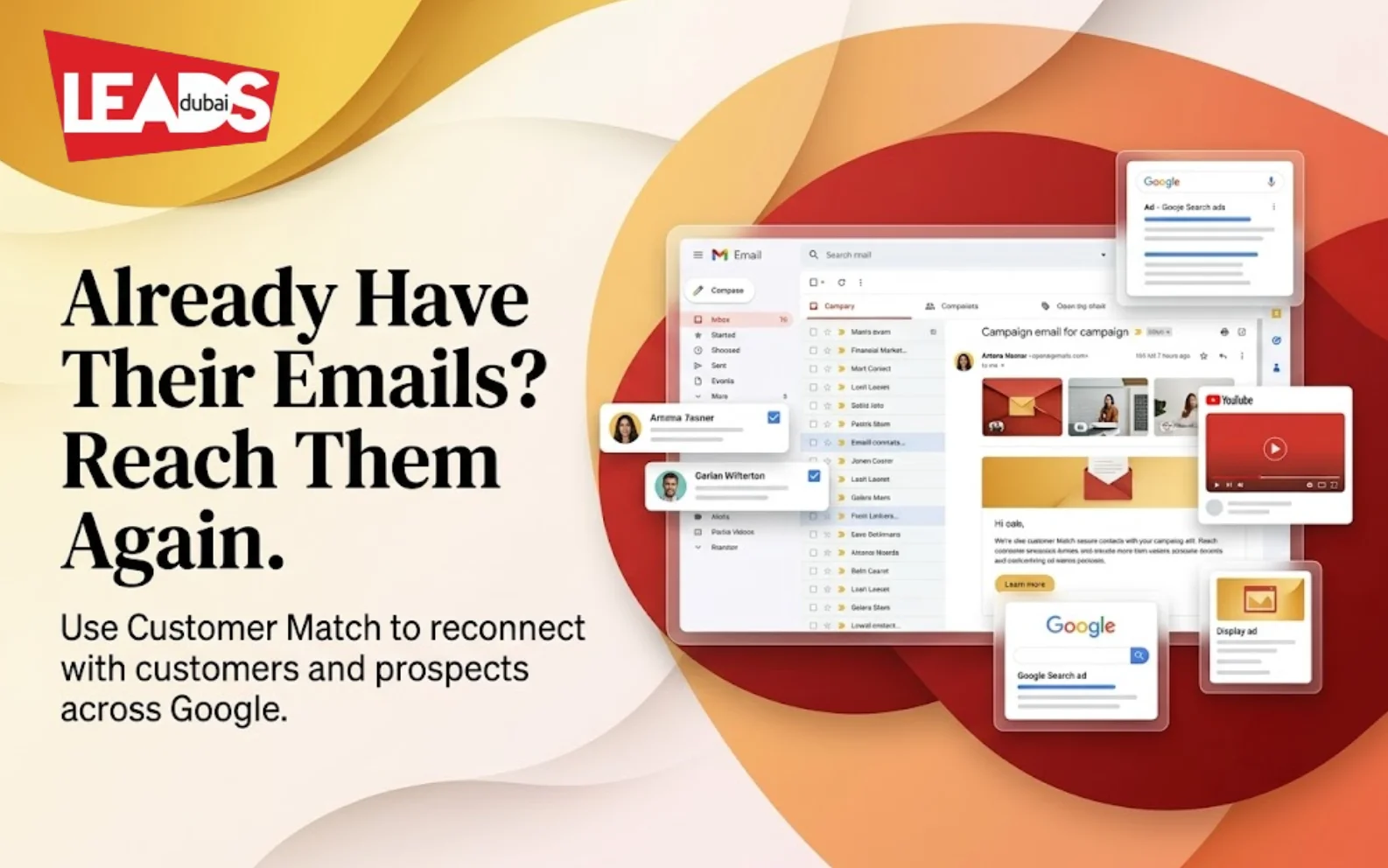
Google Ads has a tool called Customer Match. Customer Match lets you upload a list of email addresses that your customers have given you, and, when they’re signed into Google Search, YouTube, or Gmail, you can show them ads. Google will then match these email addresses with any Google log-ins that share the same email address. This data is encrypted by Google’s end to maintain privacy. This strategy is useful when you have an email database and want to show highly targeted ads to leads or existing customers at specific moments.
From there you build campaigns and ads designed for the eligible matched audience. Customer Match access depends on policy and payment history. Some targeting features also require at least 90 days of Google Ads history and more than USD 50,000 in lifetime spend, while other compliant accounts may use customer lists for observation and exclusions.
Below are some examples of how you can use Google Ads customer match
- Suppose you have an event and you want to email the existing email list about the event. Now you can upload this email list to google and show them ads on google search, Gmail ads and on youtube. which is a much more powerful impact.
- Similarly - you have a business product and you have a list of prospects who didn’t buy from you. now you can upload this list of prospect emails and show them different creative ads with offers and bring them back to your site.
- If there are inactive users for your website, and you have their email addresses - you may upload those lists and then show them tailored ads to bring back to your website
- Just like your email newsletters you can now use this list to also show them ads online and get more awareness and reach.
More useful ways of using Google Ads customer match could be
- Bringing back lost customers
- Cross-selling to existing customers
- Use the eligible list for observation or exclusions
Customer Match can sit alongside consent-aware website audiences. Keep each audience tied to a clear purpose, exclude existing customers where acquisition campaigns do not need them, and review list freshness before major campaigns.
Talk to Leads Dubai about the audience, campaign and measurement plan for your Google Ads campaign.