Google Street View
Zoom in your location on Google Maps
What a business tour needs before publishing
Google Street View
Short answer: Google Street View displays panoramic imagery inside Google Maps. A business can use suitable 360 photos to help people understand the entrance, interior or customer area before visiting. Images must represent the real place, respect privacy and follow Google’s Maps contribution policies.
A tour is most useful when customers need to recognise an entrance, compare a showroom, understand a venue layout or see the atmosphere before booking. It does not guarantee a local ranking improvement.
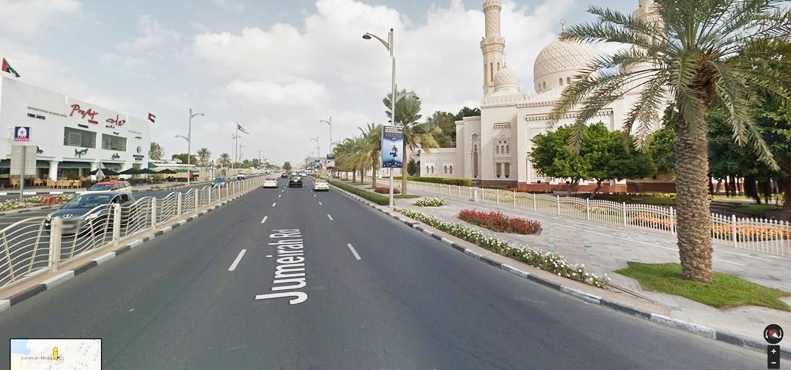
Have a look how Google Street View works
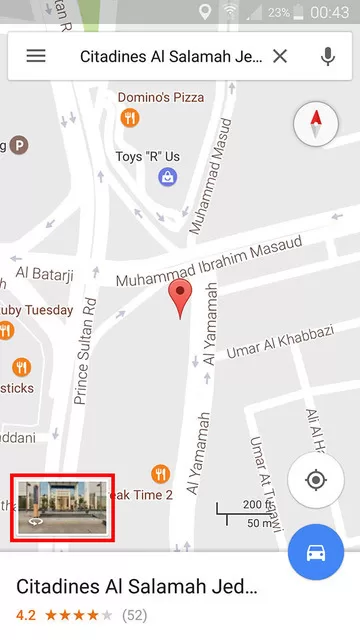
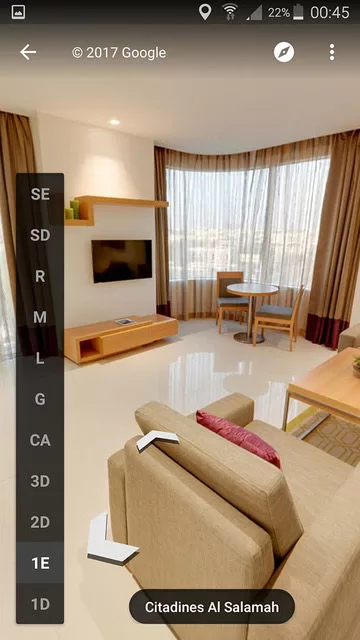
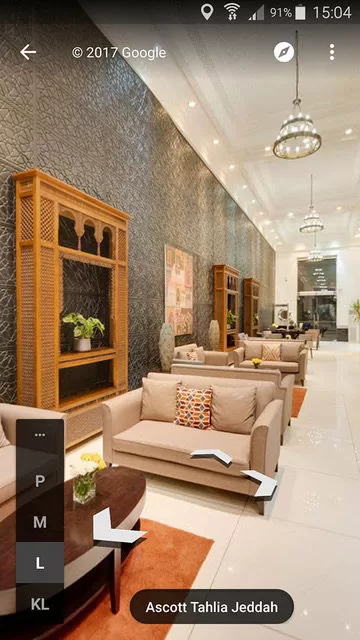
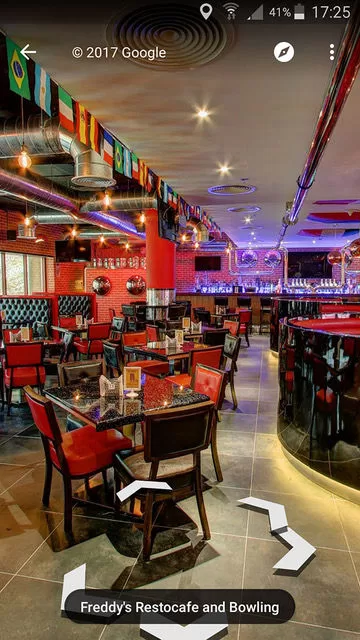
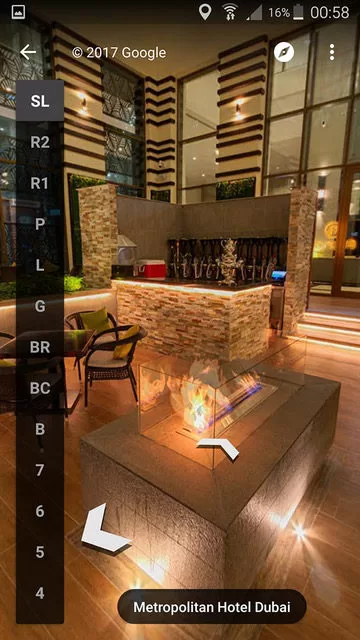
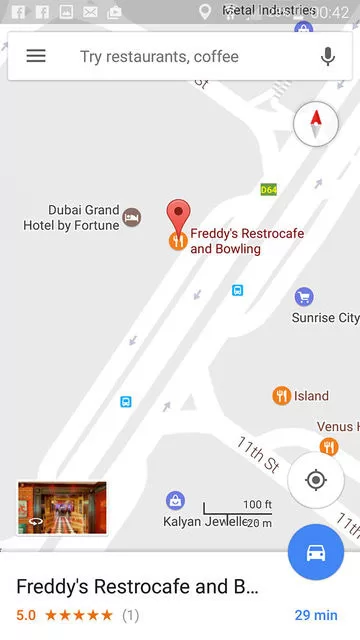
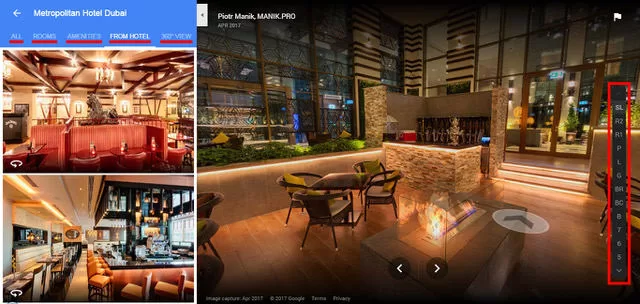
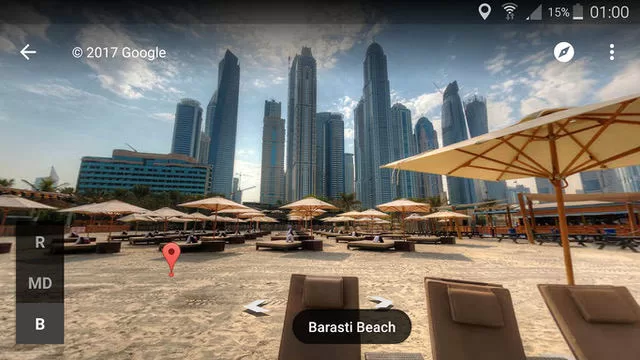
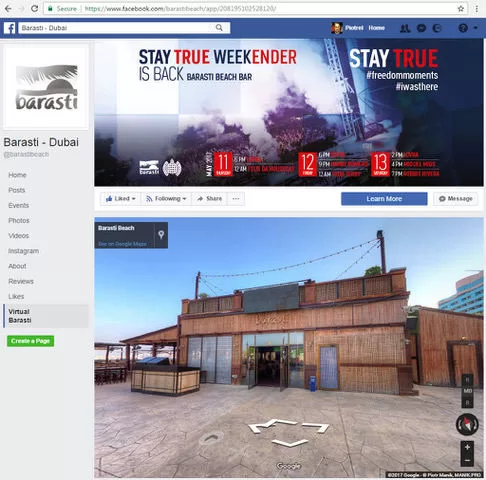
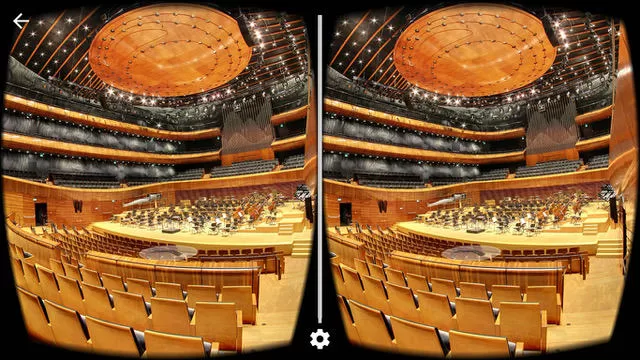
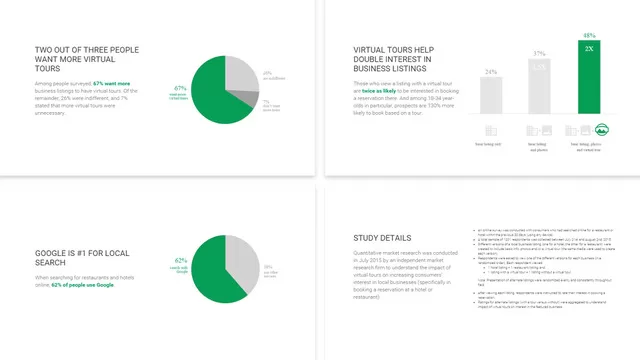
5 benefits of Google Maps Street View for your business
- It helps visitors recognise the entrance and understand what the location looks like.
- Hotels, restaurants, showrooms and venues can show customer areas before a visit.
- A truthful tour can answer visual questions that text and standard photos may not cover.
- The same approved 360 assets may support the website or sales process when usage rights allow it.
- Current imagery can reduce confusion when a location has changed or has several entrances.
Connect accurate imagery with your Google Business Profile
Verify the location and keep its name, category, address, opening hours and contact details accurate. Google states that Business Profile photos should be in focus, well lit and represent reality without excessive alteration. See our guide to managing a Google Business Profile.
Manage the business information and photos through google my business account
Before photography, confirm permission to access and publish the interior. Avoid private residences, restricted areas and identifiable people without permission. Confirm who owns the original files and who will publish or update the imagery.
Get Your Business on Google Street View
Frequently Asked Questions
Google Street View for business lets companies add 360-degree panoramic images of their premises to Google Maps, helping customers virtually explore your location before visiting.
Confirm the correct Google Business Profile, photograph permitted customer areas with suitable 360 equipment, check privacy and image quality, then publish through a method currently supported by Google Maps.
Cost depends on the number and size of areas, access, photography, editing, privacy work and publishing scope. Ask for an itemised quote and confirm ownership of the files.
Street View can help visitors recognise an entrance, understand a venue or preview customer areas before visiting. Its usefulness depends on accurate, current imagery.
A 360 tour can improve the usefulness of a location listing, but it does not guarantee higher rankings. Local visibility also depends on relevance, distance, prominence and accurate profile information.
Restaurants, hotels, retail stores, showrooms, fitness centers, salons, real estate properties, and any business where appearance matters.
Tell Us Your Location. We’ll Get You on the Map.
Share your business address, premise type and goal. We’ll come back within 24 hours with a costed plan: site visit, 360° photography, upload and Google verification.
- Google-certified 360° photographers
- Google My Business setup & verification
- Upload & link to Maps listing
- Visibility & trust boost
Latest articles on Google Street View - Zoom in your location on Google Maps
Practical guides, case studies and UAE-specific tips from the Leads Dubai team. Read what’s working right now and apply it to your business.
SEO
Earn durable organic visibility and the content that ranks for it.