How should you set up Meta Business Manager?
Short answer: let the business own its Meta assets, give people only the access they need, require two-factor authentication and review access regularly. Do not share one login between staff or let an outside agency become the only administrator.
Meta’s naming can be confusing. Meta Business Suite is the workspace many teams use for posts, messages and insights. Business Settings is where administrators organise Pages, Instagram accounts, ad accounts, datasets, catalogues, people and partners. Meta may refer to the organisation holding these assets as a business portfolio.
The names may change again, but the ownership rule does not: the company should control the account and its assets.
Set up the account in the right order
- Use a business email address that will remain with the company.
- Add a second trusted administrator so one lost login cannot lock out the business.
- Add or request access to the Facebook Page and Instagram account.
- Add the correct ad account, dataset or Meta Pixel, catalogue and payment method.
- Add staff as individual users. Avoid shared passwords.
- Add an agency as a partner and share only the assets needed for its work.
- Record who owns each asset before campaigns begin.
If an asset already belongs to another business portfolio, do not create a duplicate to work around the problem. Confirm ownership and use Meta’s access or release process.
Give people the minimum access they need
Full control is powerful. A person with full control may be able to add or remove other users and make major account changes. Reserve it for trusted owners and senior administrators.
Someone who only creates campaigns does not usually need control over billing, users and every connected asset. A content team may need Page or Instagram access but no access to advertising payment details. Review the actual job before assigning permissions.
For an agency, partner access is usually cleaner than adding every agency employee to the client’s business. The agency manages its own team while the client keeps ownership.
Meta Business Manager security checklist
- Require two-factor authentication for everyone with access.
- Keep at least two trusted company administrators.
- Remove people as soon as they leave the business or project.
- Review partners, connected apps and system users every quarter.
- Use a password manager and never send passwords in chat.
- Turn on login alerts and investigate unfamiliar sessions.
- Check ad spend and campaign changes for activity you did not approve.
- Keep recovery email addresses and phone numbers current.
- Use a security key for high-risk administrator accounts where practical.
Meta’s own help centre warns that giving someone full control provides the same level of access as the owner. This can include the ability to remove other people. Treat administrator access like access to a business bank account.
Avoid fixed claims about ad account limits
Older guides often say every profile can create a specific number of business accounts or ad accounts. That is unreliable. Meta applies limits to individual businesses and can change them based on account history, verification and other signals.
Open Business Settings and check the limit displayed for your own account. If you need another ad account, first confirm that an existing account cannot be reused and that old accounts are not sitting unmanaged.
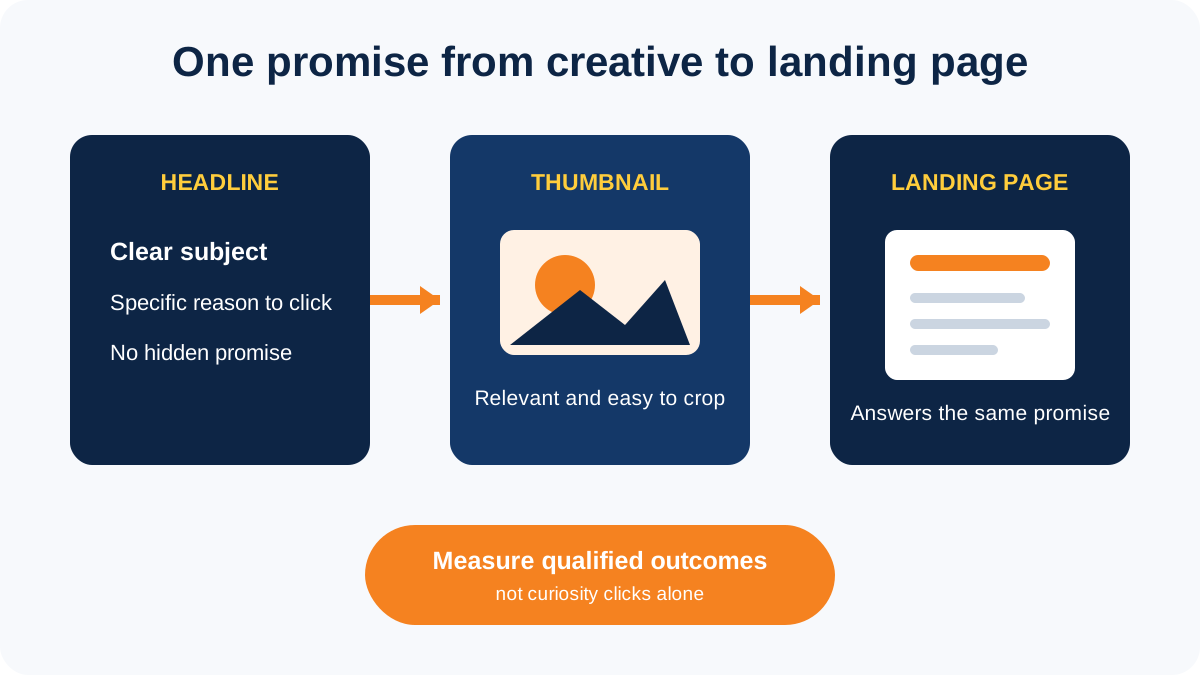
Keep the landing page and tracking trustworthy
Account security is only one part of a healthy advertising setup. Before sending traffic, check that the landing page:
- clearly identifies the business and the offer
- has working contact details, privacy information and terms
- loads properly on mobile
- makes no unsupported guarantee
- explains important prices, conditions or exclusions
- sends the correct lead or purchase event back to Meta
- uses customer data only with the required permission
Grammar alone does not cause Meta to disable an ad account. The real risks are misleading claims, policy-restricted products, poor account security, suspicious payment activity and a landing page that does not match the advertisement.
What to check when an agency manages your ads
Before work starts, confirm who owns the Page, Instagram account, ad account, dataset, domain and creative files. Ask the agency to use partner access and named users. When the engagement ends, remove the partner after campaigns, reporting and lead integrations have been handed over.
Need help checking the advertising setup? Read our Facebook advertising strategy guide or speak to our Facebook advertising team.