Why create ads by promoting your Pins?
Short answer: yes, Pinterest advertising works well for visual, product-led businesses, because people use Pinterest to plan and decide what to buy next. Promoted Pins look like normal Pins but reach a wider audience, and users often act on them later. It suits retail, home, food, fashion, weddings and travel brands.
Pinterest advertising helps you reach people while they actively decide what to do or buy next. These ads are called Promoted Pins because they look just like regular Pins, only you pay to have them seen by more people. You can choose from various marketing solutions to align with your business goals.
What is Pinterest?
Pinterest is a social network that allows users to visually share, and discover new interests by posting (known as ‘pinning’ on Pinterest) images or videos to their own or others’ boards (i.e. a collection of ‘pins,’ usually with a common theme) and browsing what other users have pinned.
Ads that look and feel natural
Pinterest ads appear alongside regular Pins, so the creative should still be useful enough to save or click. Show the product in a real setting and make the destination clear.
Reach a receptive audience
Promoting your Pins gets your brand in front of more people. The channel is strongest when the product fits something people actively plan, compare or save for later.
Continued performance
On Pinterest, ads are so useful that people actually save them to boards to revisit later on. When someone saves your Promoted Pin, their Pinterest followers will also see your ad in their feeds. That gives you earned media on Pinterest, plus additional sales as more people discover your brand.
How to get started with Pinterest advertising?
Businesses with access to Pinterest Ads Manager can promote Pins for awareness, traffic or sales. Start with one clear objective, install the Pinterest Tag where appropriate and make sure the landing page matches the Pin.
You can build a campaign in Ads Manager and select an existing Pin or create new campaign creative. Check format availability against the chosen objective before production starts.
All the Pinterest marketing tips which work best!
- Publish consistently at a pace your team can maintain
- Use a 2:3 vertical format for standard image ads
- Set up Rich Pins for eligible product, article or recipe pages
- Write clear Pin titles, descriptions and board names
- Show the product or idea in a real setting
- Match each Pin with a relevant destination page
- Install the Pinterest Tag where consent and measurement requirements allow
- Review saves, outbound clicks and conversions by creative
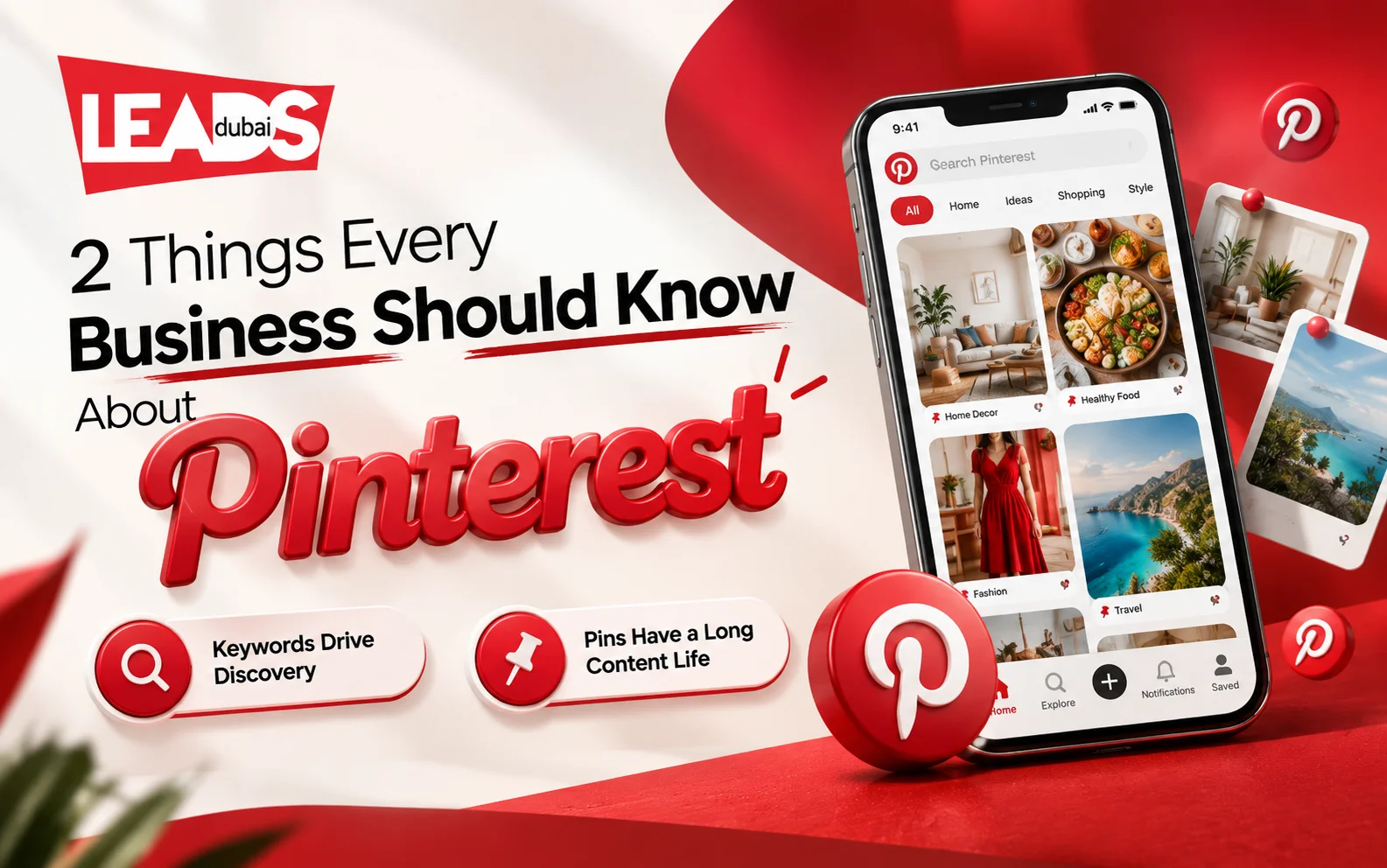
Pinterest is a search engine, not a feed
This is the single framing that changes how a business uses the platform, and most brands get it wrong by treating Pinterest like Instagram.
People arrive on Pinterest looking for something: a kitchen renovation, a wedding, an outfit, a holiday. They search, and they save what they find for later. That has two consequences that no feed-based platform shares.
Keywords do real work here. Put the terms people search into your pin titles, descriptions and board names, and into your profile bio. Not hashtag spam, plain descriptive language. A pin that names what it is gets found months later; one captioned cleverly does not.
Content has a long life. A social post is finished within hours. A pin keeps surfacing in search and recommendations for months or years, which changes the economics: the work you put into a good pin keeps paying, so consistency over months beats a burst of activity.
The format mistake that costs the most
Pinterest is a vertical platform. Use a 2:3 aspect ratio, typically 1000 x 1500 pixels. Square images get cropped, horizontal ones get squeezed into an unreadable strip, and both lose to a competitor’s properly sized pin in the same results. Repurposing an Instagram square onto Pinterest without resizing is the most common practical error on the platform.
Beyond that, publish regularly rather than in short bursts. Rich Pins can sync eligible product, article or recipe information from the source website. Product information depends on correct markup, merchant requirements and stock status.
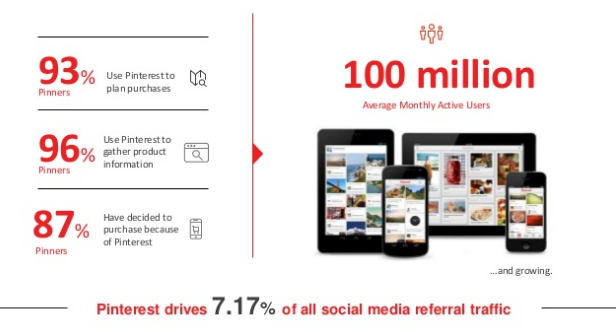
Pinterest reaches more than half a billion monthly users, and it skews heavily toward people in a planning and buying mindset. That intent is why the conversion figures above hold up.
Best practices
- Categorize your boards. This will make your pins more easily found and will potentially result in more people following you.
- Use shared boards only where they serve a real audience. Check the board quality, contributors and subject before adding content.
- Check your Pinterest stats regularly to see the pins from your website and the performance of your pins and boards.
- Keep important text inside the format’s safe area. Preview the ad on mobile before publishing.
- Use clear contrast and readable type. Do not change colour or brightness simply to chase clicks.
- Add a subtle logo or brand name to the bottom corner of the images you create.
- Save useful research in organised private boards before deciding what belongs on the public business profile.
- Follow individual boards for specific topics.
- Verify your website domain and include a link in your bio.
- Keep the profile website and business details current.
- Invite contributors to pin to a board with you.
And this is great advice from the Pinterest team:
“Don’t just show people your hiking boots, show them what they can do with your hiking boots.”More Pinterest marketing strategies that work
Ads work best when the business profile already explains the subject clearly. Use a recognisable profile image, a useful bio and a verified website. Write descriptive Pin titles and board names because Pinterest uses that context for discovery. Set up Rich Pins for eligible pages, and check outbound clicks and conversions rather than judging the work by saves alone.
Leads Dubai is a social media marketing agency. We offer Pinterest Advertising and strategic online advertising. Talk to us about Pinterest advertising options for your UAE brand.