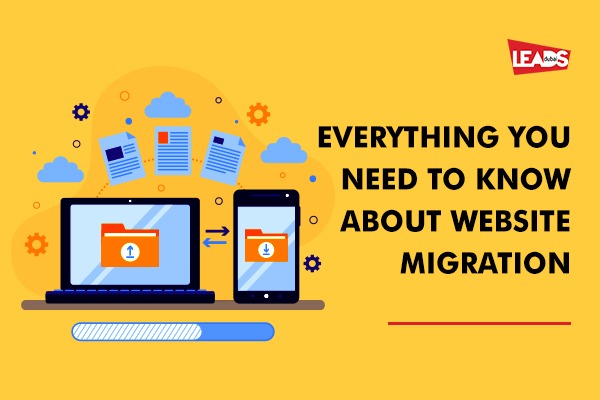
Website migration checklist: what to do before, during, and after
Short answer: a website migration checklist covers before, during and after the move: take a full backup, crawl and map old URLs, set 301 redirects, preserve titles and metadata, test on staging, then monitor rankings and errors after launch. Missing redirects is the most common way migrations lose traffic.
Website migration is a common task as businesses grow. You might be moving to a new domain, switching hosting, or changing platform for better functionality. Done carelessly, a migration can wreck your SEO and traffic. This checklist keeps the move safe.
What is website migration?
For a web developer, migration means moving your website from one environment to another or changing its domain. For SEO, it means any change that can affect how visible your site is in search. The most common reasons are a domain change, a hosting change (moving files and the database to a new server), or a platform change for better functionality.
The step-by-step migration checklist
Before you migrate
- Take a full backup of your files and database so you can restore if anything goes wrong.
- Crawl your current site and export every existing URL, so nothing gets lost.
- Benchmark your current performance: rankings, traffic, and top pages, so you can spot any drop afterwards.
- Map old URLs to new ones and prepare 301 redirects for every page whose address changes.
- Build and test on a staging site first, never make big changes straight on the live site.
During the migration
- Move files and the database to the new server or platform.
- Set up the 301 redirects so old URLs point to the right new pages.
- Move to HTTPS at the same time if you are not already secure (see hosting and SSL).
- Check internal links, images, and forms all still work on the new build.
- Keep the same content and metadata unless you intentionally improved them.
After you go live
- Update DNS and confirm the site resolves correctly.
- Test the redirects so no old link returns a 404.
- Resubmit your sitemap in Google Search Console and request indexing.
- Monitor rankings, traffic, and errors closely for the first few weeks and fix any issues fast.
Is migration difficult?
Modern tools make it more manageable, and a professional website migration service makes it smoother. There may be a little downtime during the switch, which is normal. The biggest risk is broken old URLs, so getting the redirects right is what protects your traffic.
Get help with your migration
Every migration is a little different, so your checklist may vary. Leads Dubai’s developers focus on SEO-friendly migrations that keep your rankings intact. Make sure you have a proper backup so you can always restore, then talk to us about your move. Call +971 50 304 7470.