How to get verified on TikTok
Short answer: TikTok verification confirms that an account is authentic. Eligible users can request it from Settings and privacy, Account, then Verification, where the option is available. TikTok looks at activity, authenticity, profile completeness, notability and account security. The badge is free.
TikTok accepts verification requests in the app in supported regions. If the option does not appear, TikTok advises using its online verification form. Applying does not guarantee approval, and paying a third party cannot buy the badge.
How to tell if an account is verified on TikTok
The blue badge helps people distinguish an authentic account from an impersonator or fan account. TikTok says it does not represent an endorsement.
What is a TikTok verified badge?
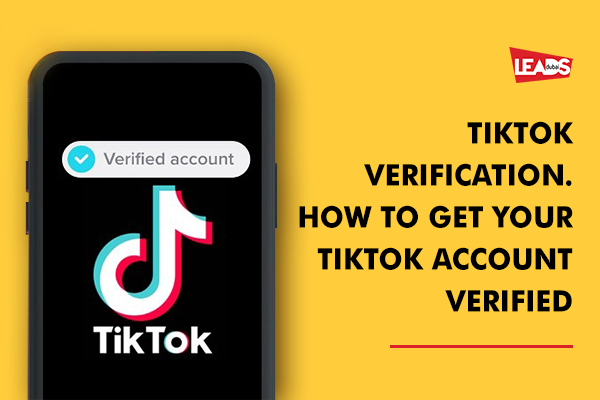
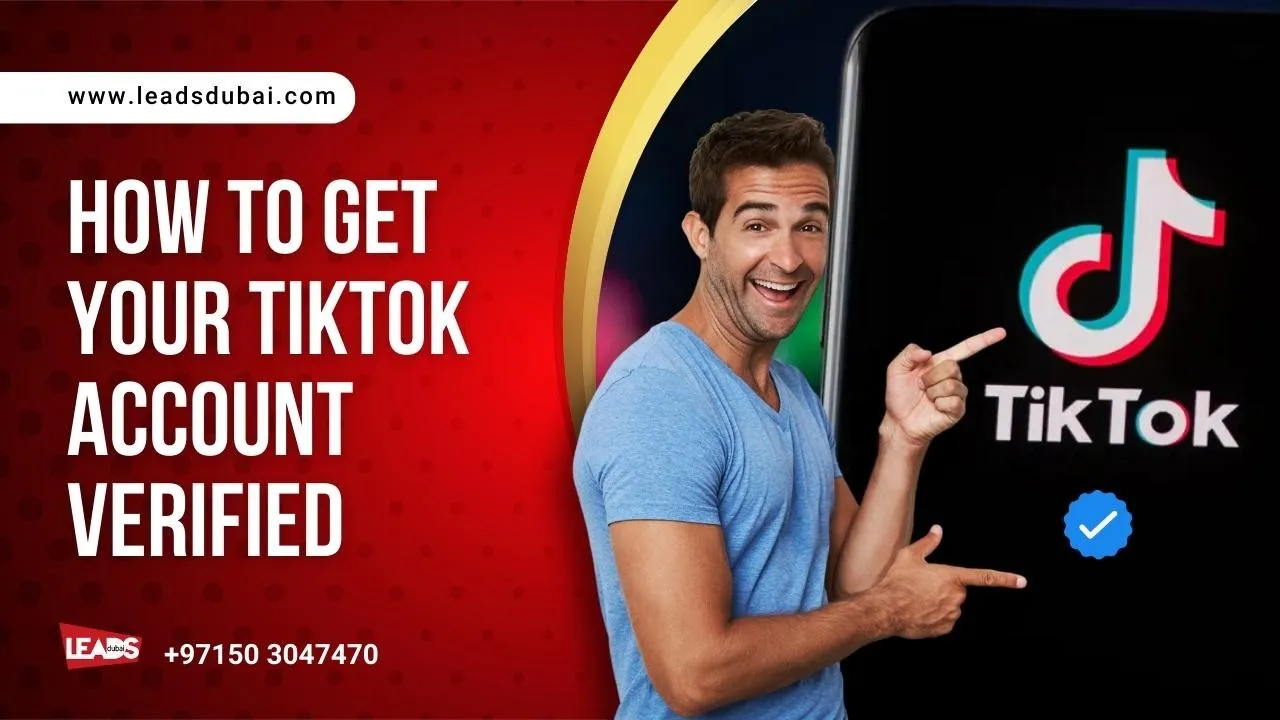
A verified badge means that TikTok has confirmed the account belongs to the user it represents. It appears next to a TikTok user’s account name in search results and on the profile as a visible blue check mark.
How are TikTok verification badges given?
There are a number of factors considered in granting a verified badge, including whether the account is active, authentic, complete, notable and secure. It must also follow TikTok’s Community Guidelines and Terms of Service.
What a TikTok verified badge does
- Identification: People can confirm that the profile belongs to the person, business or organisation it represents.
- Impersonation protection: The badge makes copycat accounts easier for customers and partners to spot.
- Clearer discovery: The badge appears beside the account name in search results and on the profile.
- No ranking promise: TikTok does not say verification guarantees more reach, followers or views.
How to request TikTok verification
- Open TikTok and tap Profile.
- Open the menu, then choose Settings and privacy.
- Tap Account, then Verification.
- Choose personal or business verification and follow the instructions.
TikTok says the in-app request is not available everywhere. If you cannot see it, use TikTok’s official online verification request. Before applying, turn on two-step verification, confirm your email, complete the profile and collect links to independent news coverage that shows why the account is notable.
Verification and paid promotion are separate. See how to plan a TikTok advertising campaign in the UAE.

Pro tips for getting verified on TikTok
- Use the real business or public-figure name consistently.
- Complete the profile and secure the account with a verified email and two-step verification.
- Publish regularly enough to show the account is active.
- Collect independent news coverage that shows genuine notability.
- Follow TikTok’s Community Guidelines and Terms of Service.
Planning content across both platforms? See our content ideas for Instagram and TikTok.
What to do if TikTok rejects the request
A rejection does not mean the account is permanently ineligible. Check that the profile is complete, active and secure. Build genuine public interest and independent coverage before applying again. We can review the profile and supporting material, but only TikTok decides who receives the badge.
A rejected verification request does not prevent the business from using TikTok advertising. Treat advertising as a separate campaign with its own audience, creative and measurement plan.