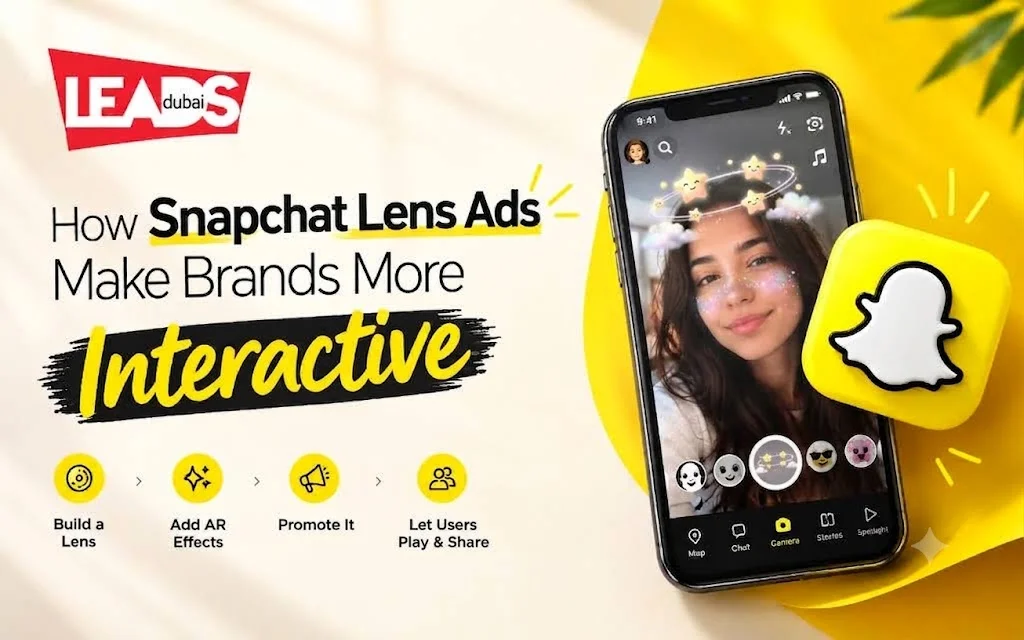
How to make a custom Snapchat Lenses ads
Short answer: Snapchat Lens ads are branded augmented reality experiences used through the Snapchat camera. Build the effect in Lens Studio or Lens Web Builder, then promote it through Ads Manager. They suit product try-ons, launches and events when the interaction gives people something worth sharing.
Snapchat Lenses change what people see through the camera. Face Lenses work around a person, while World Lenses place an object or effect into the scene. A useful campaign starts with the action you want someone to try, not with a logo.
Snap provides Lens Studio for custom production and Lens Web Builder for simpler sponsored AR filters. Once the experience is ready, it can be promoted through Snapchat advertising. Measure the campaign by the objective you selected, such as plays, shares, site visits or purchases.
The budget has two parts: producing the AR experience and paying for distribution. Geography, schedule, audience and campaign objective affect media spend. Custom 3D assets, product tracking and interactive actions add production time.
Face Lenses and World Lenses do different jobs
- Face Lenses use the front camera and change the person: try-on effects for beauty and eyewear, costumes, expression triggers. Best when the product goes on a body, and the natural fit for anything people already take selfies with.
- World Lenses use the rear camera and place your object into the scene: a car on a driveway, furniture in a room, a mascot on the street. Best for products people want to see in a space before buying.
Choose the format before briefing a designer because each one needs different assets, testing and camera behaviour.
What drives the cost, and how long it takes
Building a Lens in Lens Studio is free. What you pay for is reach, and the number moves on:
- Geography. A Lens across the whole UAE costs far more than one around a single mall or venue.
- Duration. Priced by how long it stays live, so a launch-day burst and a month-long run are very different budgets.
- Complexity. Templates are quick and cheap. A custom Lens with 3D assets, tracking or interactivity needs design time before any media is bought.
Allow time for production, device testing and Snap’s review. Confirm the live schedule before announcing the Lens in other campaign material.
Lens or geofilter?
The terms are often confused. Snapchat now promotes sponsored AR Filters as camera placements created in Lens Web Builder. A Snapchat geofilter guide explains the older location-overlay term and the current option. A Lens is the better fit when someone should try, move or place a product in augmented reality.
If the goal is awareness at an event, use a geofilter. If the goal is to show a product doing something, use a Lens.
Anyone can be a Snapchat lens creator
Lens Studio can be used by designers, developers and creators. Start with a template for a simple idea, or build custom assets when the interaction needs product detail or accurate tracking.
Create and publish your Snapchat Lenses in three easy steps
- Import Your Artwork
Design in your favorite 2D or 3D software then import right into Lens Studio.
- Build Your Experience
Bring your creation to life with movements, animations, and interactive triggers with our easy-to-use templates.
- Publish & Promote
Submit the Lens for review. Once published, use its Snapcode or Lens Link in your other campaign material so people can open it directly.
Lens Studio is available for desktop production. Test the effect on the phones your audience commonly uses, since tracking and rendering can differ by device.
Learn more about Snapchat advertising, sponsored AR Filters and other formats. Snapchat’s current ad-format guide explains the available camera placements.
See all the Snapchat ad formats we run, including geofilters and lenses.
Leads Dubai is a Social Media Marketing Company. We do lead generation and direct response-based sponsored ads for companies and help with their marketing goals.