Snap Pixel - smarter ways to use them
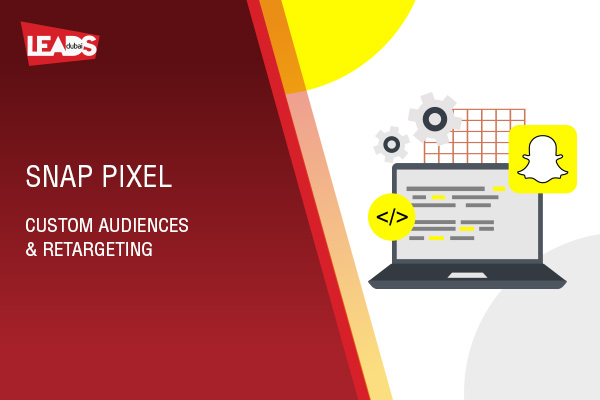
Short answer: the Snap Pixel is a small piece of code on your website that tracks what people do after seeing your Snapchat ad, much like the Meta Pixel. It powers conversion tracking, custom audiences, retargeting and lookalikes, so you can optimise campaigns toward real results rather than just clicks.
Snap Pixel is the tracking tool that measures what happens after someone sees your Snapchat ad. It is a small piece of code on your website, much like the Meta or Google pixel, that ties actions on your site back to your Snap Ads so you can see what is actually working.
Snap Pixel lets you track whether visitors came to your site after seeing your Snapchat ad. Even if they did not click the ad directly, you can still attribute the visit.
Anyone using the self-serve Snapchat Ads Manager can add it. It is built mainly for vertical-video Snap Ads, so conversion tracking for Sponsored Lens or Geofilter campaigns is more limited.
To track conversions, add the Snap Pixel code to the pages you want to measure and choose the conversion event each page matches, such as “Add to Cart”. You can choose from events like:
- Purchase
- Save
- Start Checkout
- Add to Cart
- View Content
- Add Billing
- Sign Up
- Search
- Page View
Once it is running, you see conversion data in Snapchat Ads Manager across different date ranges, and you can separate people who just viewed an ad from those who swiped up.
Snap Pixel also powers retargeting and lookalikes. You can show ads to people based on the pages they visited, and build lookalike audiences of people similar to your best site visitors, so your budget goes to the people most likely to act.
Snap Pixel pairs well with the rest of your Snapchat setup. See our guide to Snapchat ad formats and how to plan a Snapchat advertising campaign.
Leads Dubai is a Social Media Marketing Company in Dubai, UAE. Talk to us about your Snapchat advertising.