
In short: choose Google Ads keywords that describe what a potential customer wants at the moment they search. Start with the service, location and buying intent. Then use the search terms report to remove irrelevant traffic and promote useful queries into focused ad groups.
How to choose Google Ads keywords that can produce leads
Begin with how customers describe the problem, not with an enormous list exported from a tool.
- A keyword is the instruction you give Google Ads. A search term is what the person actually typed. They are related, but they are not the same.
- Prefer clear commercial searches such as a service plus a location, cost, supplier or quotation. Broad informational searches may generate visits without generating suitable enquiries.
- Group closely related keywords together. The ad and landing page should answer the same need without awkward repetition.
- Build negative keyword lists from genuinely irrelevant searches. Review account-level exclusions carefully because they can block valuable traffic across several campaigns.
- Use exact, phrase and broad match according to the control and data available in the account. Match type alone does not determine lead quality.
- Set location options to match where customers are actually based. A Dubai campaign can still waste money outside the UAE if the presence settings are too broad.

- Review search terms by conversions, qualified leads and sales, not clicks alone. A cheap click is expensive when the enquiry is irrelevant.
- Add useful search terms as keywords when they reveal a distinct need that deserves its own ad message or landing-page section.
- Add irrelevant terms as negatives only after checking context. A single word can mean something different in another campaign.
- Do not create many near-duplicate keywords simply to change word order. Close variants already allow Google to match related searches.
- Give automated bidding enough reliable conversion data before expanding broad match. Poor tracking teaches the system to find more of the wrong action.
- Estimate lead volume with clicks multiplied by conversion rate. Use actual qualified-lead and sales rates when deciding what a keyword can afford to cost.
The webinar below explains the original approach. Google Ads matching and bidding have changed since it was recorded, so use the current guidance on this page when setting up a campaign.

Where to find useful keyword ideas
- Ask sales staff which phrases serious prospects use on calls.
- Use Google Keyword Planner to compare relevant ideas and forecast demand.
- Read Search Console queries for organic language customers already use.
- Review Google Ads search terms for real paid-search behaviour.
- Separate service, location, problem, price and supplier-intent themes.
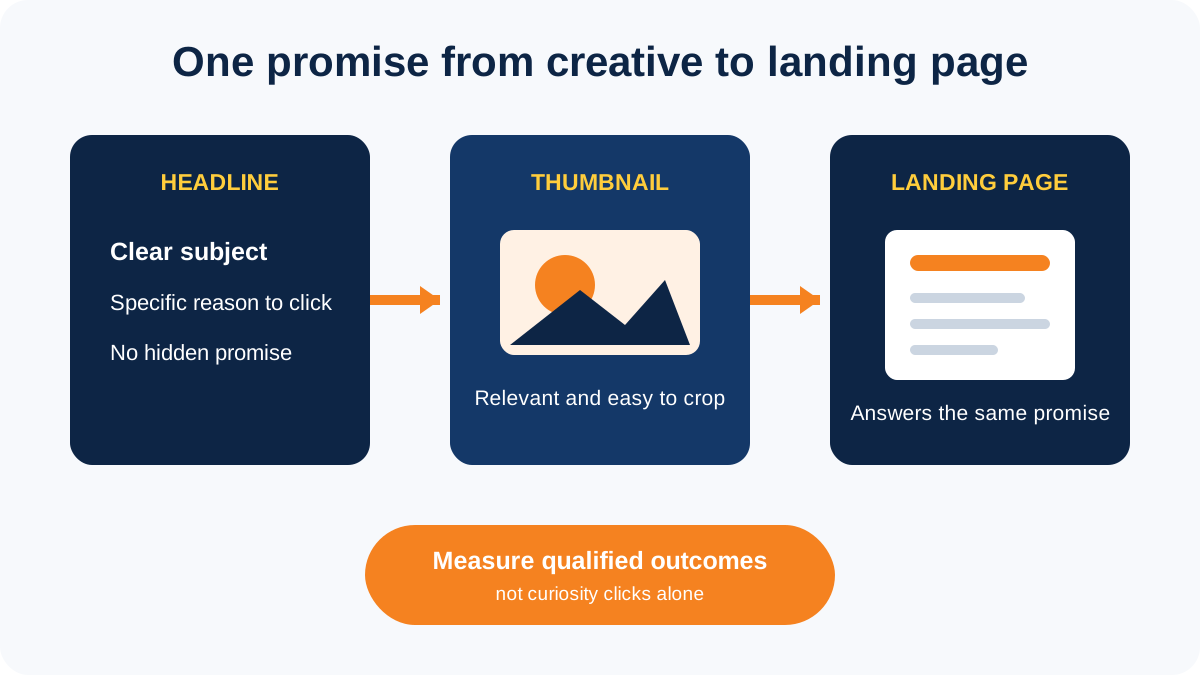
Before increasing bids, confirm that the search, ad, landing page and conversion action all describe the same outcome. Our Google Ads management team can review that path and identify where unsuitable enquiries enter the campaign.
FAQs
Start with the service, location and action a serious customer would search for. Group keywords by intent, write a relevant ad and send each group to a matching landing page. Use search-term and qualified-lead data to decide what stays.
It is a useful starting point for ideas and forecasts, but it cannot judge whether a search will produce a suitable customer. Combine it with sales-call language, Search Console queries, Google Ads search terms and CRM outcomes.
Broad match can find useful searches that are not in a fixed list, but it needs reliable conversion tracking, sensible negatives and regular search-term reviews. Start carefully when the account has limited conversion data or strict lead-quality requirements.
A keyword is the targeting instruction placed in the campaign. A search term is the wording entered by the user. The search terms report shows which real queries triggered ads and helps identify useful additions and irrelevant traffic.
Review them more frequently during a new launch or major targeting change, then set a regular schedule based on spend and lead volume. Judge terms using qualified enquiries and sales, not clicks alone.