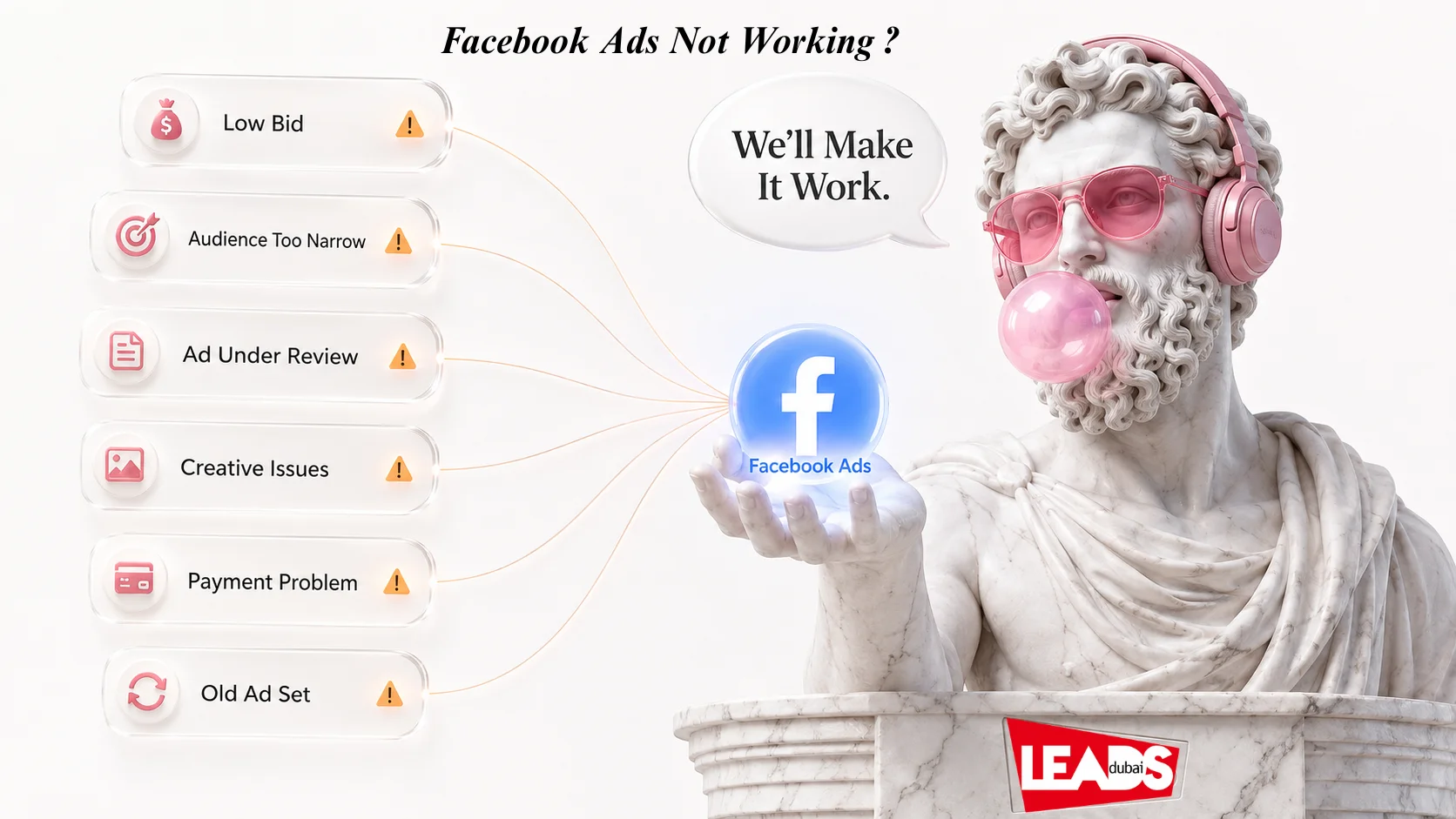
Facebook ads not working? Start with the 60 second checks
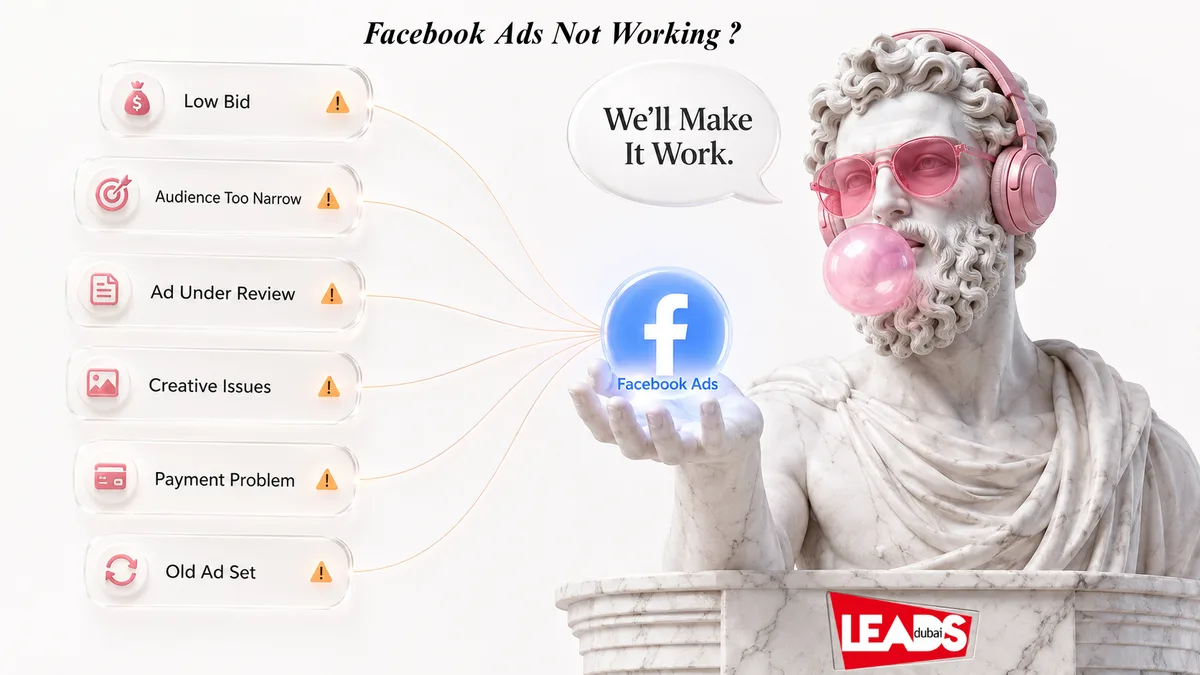
Short answer: when Facebook ads stop working the cause is almost always one of nine things, and they are worth checking in that order: a bid or budget set too low, a stale ad set, creative that has burned out, a payment or account hold, an ad still in review or quietly rejected, or an audience too small to ever leave the learning phase.
Ads stop serving, or they serve and nothing happens. You raise the budget, build a new campaign, widen the audience, write new copy, and still nothing. It is one of the most frustrating things in paid social, and the cause is usually duller than you expect.
Before you rebuild anything, open Ads Manager and check these four. Each takes seconds:
- Is the ad approved, or still sitting in review?
- Is the ad or the ad set actually active, and not paused or scheduled to start later?
- Is your payment method valid and below its spending limit?
- Is your daily budget enough to win any auctions for this audience?
If none of those explain it, work through the nine fixes below. They are ordered by how fast you can check them, so you spend the least time before you find the answer.
The 9 fixes, in the order worth checking
1. Your bid or budget is too low
The most common cause, and the easiest to test. Raise the daily budget and loosen the bid strategy, then watch what happens. Sometimes your ads never reach your audience because a competitor is chasing the same people for their social media marketing and simply bidding more than you. If you are on a manual bid cap, switch to Highest Volume (the strategy Meta used to call Lowest Cost) and let it find the price. You can tighten it again once delivery is stable.
2. The ad set has gone stale
Pause the ad set and build a fresh one. This has happened to us more than once, and support offered no explanation either time. Recreating it usually did the trick. Annoying, but faster than waiting.
3. The creative has burned out
Rebuild the ad. Do not get attached to a creative that worked last month, because the same people have now seen it fifteen times and stopped noticing. Refresh before performance drops rather than after.
4. There is a payment or account hold
We have seen account-wide holds on new ads with no notification from Meta at all, triggered by anti-fraud checks. One of ours came down to bad credit card data. Check your billing, your spending limits and your account quality before you assume the problem is the campaign.
5. The ad is still under review, or it was rejected
A new ad can take several hours to clear review. If it has been more than 24 hours with zero impressions, look at Account Quality for a rejection reason.
Worth correcting a myth here, because it still gets repeated: Meta scrapped the 20 percent text rule back in 2020. Ads are no longer rejected for having too much text on the image, and the old text overlay tool is gone. Meta still recommends keeping on-image text light because those creatives tend to perform better, but it is guidance now, not a rule that blocks delivery. If your ad is rejected, the reason will be an actual policy: misleading claims, before-and-after images, sensationalised language or a restricted category.
6. Your audience is wrong, not just small
If the audience is very tight, widen it a little at a time rather than all at once. But narrow is only half the problem. Most accounts that struggle are talking to cold strangers and nobody else.
Build the warm audiences too. Retarget people who visited the site or engaged with your posts. Upload your customer list or email list as a custom audience. Install the Meta Pixel and Conversions API so Meta can see who converts and build lookalikes from real buyers. Warm audiences are smaller and they almost always cost less per result.
7. You picked the wrong objective
A client once asked us to run a page likes campaign. We asked what the likes were for. He said so more people would see his ads and click through to buy. That is a website traffic campaign, not a likes campaign, and running it his way would have bought a lot of likes from people who never came back.
Meta optimises for exactly what you ask for. Ask for engagement and you will get engagement, from people who will never buy. Ask for leads or sales and Meta goes looking for people who take that action. Pick the objective that matches the outcome you actually want, then leave it alone. There is more on this in our Facebook advertising strategy guide.
8. You boosted a post instead of running a campaign
Boosting is the blue button, so it gets used by default. It is built for engagement, which means Meta will happily spend your money collecting likes from people who see your page once and never return.
For clicks, leads or sales, build the campaign properly in Ads Manager and pick the matching objective. Boosted posts work out more expensive per click for the same money, which we break down in Facebook advertising cost.
9. You are only running one version of everything
One ad set, one ad, one audience gives you nothing to compare against. When it underperforms you cannot tell whether the problem is the audience, the offer or the image.
Run at least two ad sets against two different audiences, and two or three ads inside each one. Change one variable at a time so the result means something. Test the audience first, since reaching the wrong people is a bigger problem than a weak headline.
Give the learning phase time before you touch anything
Every new ad set enters a learning phase while Meta works out how to deliver it, and it usually lasts until roughly 50 conversions have come in. Results are unstable and cost per result is higher during that window. That is expected, not a fault.
The mistake is panic-editing. Changing the targeting, the creative, the optimisation event or the bid strategy restarts the learning phase and throws away the data gathered so far. Give it about a week before you judge it.
If it stalls in Learning Limited, the cause is nearly always budget spread too thin. Too many ad sets splitting one campaign budget means none of them can reach 50 results in seven days. Combine them. Raising the budget helps for the same reason, particularly on a conversions objective, where purchases are the rarest and priciest event in your funnel. Chasing an easier top-of-funnel objective just to escape learning faster is not the answer, because you end up optimised for the wrong thing.
How Meta decides whose ad gets shown
Price is not the whole story in the auction. Three things decide the winner:
- Bid: what you are willing to pay for the action you chose.
- Estimated action rate: how likely Meta thinks this person is to take that action.
- Quality and relevance: how interesting your ad is to that person, judged partly on positive and negative feedback.
Meta combines the three into a total value and shows the ad that scores highest. This is why a well-made ad with a modest bid regularly beats a poor ad with a big one, and why Highest Volume bidding suits most advertisers: it keeps you competitive without you guessing the price. A bid cap does the opposite, and Meta says outright that delivery suffers when the cap is set too low. If you want the full list of current bid strategies, and what happened to target cost, see the latest Facebook ads updates.
It also explains why each ad set behaves differently. Each one is optimised for the event you selected, whether that is clicks, engagement or purchases, and Meta judges every impression against that specific event.
Read the report before you change anything
Check the numbers that match your objective rather than the ones that feel good. A high click-through rate means your ad is landing with the people seeing it, and relevance usually buys you cheaper clicks. A high CTR with no conversions points at the landing page, not the ad. Low reach with a healthy CTR points at budget or bid. Compare results across ad sets before you change anything, so you are fixing the thing that is actually broken.
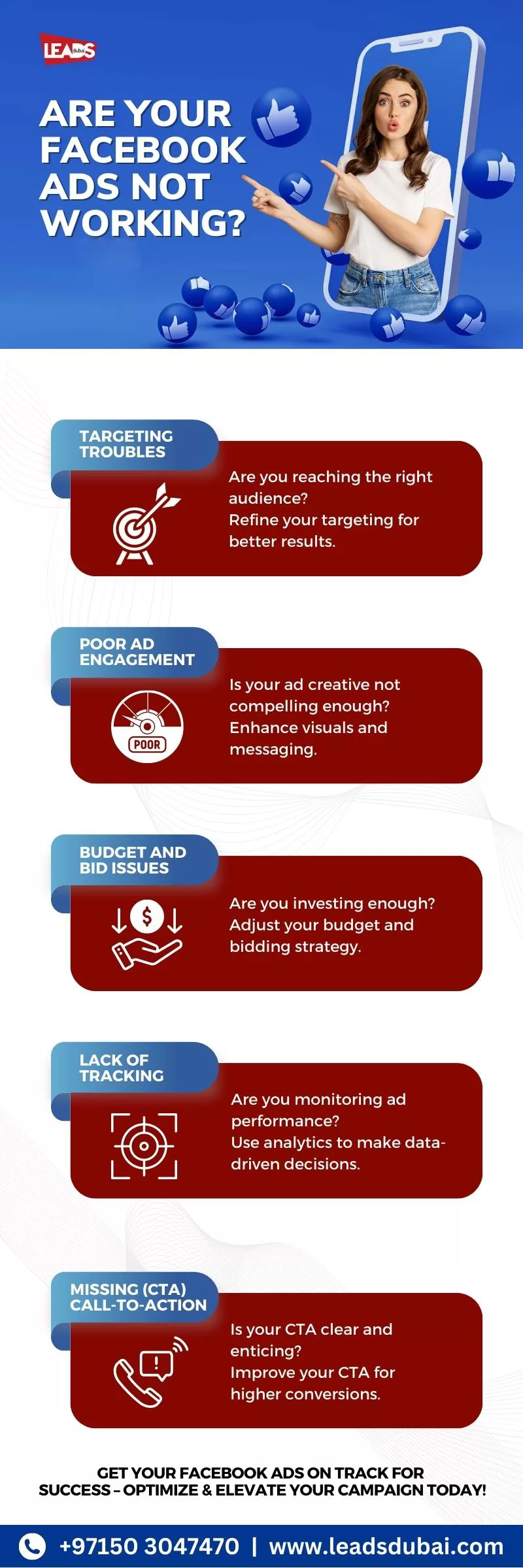
Meta remains one of the most effective ways to reach customers in the UAE, alongside Instagram advertising on the same ad platform. When campaigns underperform it is almost never the platform. It is the objective, the audience, the creative, the budget or the tracking, and all five are fixable. You can also check the Meta Business Help Centre for account-specific troubleshooting.
If you’re looking to improve your Facebook advertising, we can assist. You can find more information on our Facebook advertising services.FAQs
The most common reasons Facebook ads stop delivering include an audience that's too narrow (under 1,000 people), a daily budget that's too low to compete in Meta's auction, creative fatigue from running the same ad for weeks, or policy violations that put your ad into review. Check Ads Manager for the "Not Delivering" status and review the specific reason listed. Meta's Andromeda algorithm also requires strong signal density via the Conversions API, without it, delivery can stall due to "data blindness."
If your ads are active but not spending, first check your bid strategy, manual bids that are too low won't win auctions. Switch to "Highest Volume" bidding (previously called Lowest Cost) to let Meta optimize. Also verify your audience size (aim for 500K+ for prospecting), check for audience overlap between ad sets (which causes self-competition), and ensure your payment method is valid. Increasing your daily budget by 20-30% can also help Meta's algorithm find more delivery opportunities.
No, not any more. Meta removed the 20 percent text rule in 2020 and retired the text overlay tool with it, so ads are no longer rejected on text density alone. Meta still recommends keeping on-image text light because those creatives generally perform better, but it is a recommendation rather than a delivery block. If your ad is not running, the cause is more likely the budget, the audience size, the review status or an actual policy breach.
Yes, and it is one of the most expensive mistakes there is. Meta optimises for exactly the objective you select, so choosing Engagement or Page Likes when you actually want enquiries tells the algorithm to find people who like posts rather than people who buy. The ads will look like they are working, with cheap likes and plenty of activity, while producing no revenue. Pick Leads or Sales when you want enquiries or purchases, and Traffic when you want clicks to your site.
No. Boosting is a simplified engagement tool with very limited targeting, placement and optimisation control. It works for warming up an audience, but it costs more per click and per lead than a campaign built in Ads Manager with the right objective. If you want clicks, leads or sales, build the campaign properly rather than pressing Boost.
Facebook rejects ads that violate Meta's Advertising Standards, including misleading claims, before/after images in health ads, sensationalized language, and certain restricted content categories. To fix a rejected ad, review the rejection reason in Ads Manager under Account Quality, edit the ad to comply with the policy, and resubmit for review. Most reviews complete within 24 hours, though high-volume periods like holidays can cause delays. If you believe the rejection was a mistake, use the "Request Review" option.
New Facebook ads typically enter Meta's learning phase for the first 24-48 hours, during which delivery may be inconsistent as the algorithm learns who responds best. Most ads begin receiving impressions within a few hours of approval. If your ad has been approved for more than 24 hours with zero impressions, check for issues like an audience that's too narrow, budget conflicts, or scheduling errors. The learning phase usually completes after approximately 50 optimization events.
Yes. Relying solely on the Meta Pixel is no longer sufficient for consistent ad delivery. The Conversions API sends conversion data directly from your server to Meta, providing more reliable signal data that helps the algorithm optimize targeting and bidding. Businesses using CAPI alongside the Pixel typically see improved delivery stability, better attribution accuracy, and lower cost per acquisition. Meta increasingly prioritizes ad sets with strong signal density from multiple data sources.